What are Touch Screen Types? Resistive and Capacitive Comparison
What are Touch Screen Types? Resistive and Capacitive Comparison
Touch screen technologies are one of the most important interface solutions used in many areas today, from industrial devices to consumer electronics.
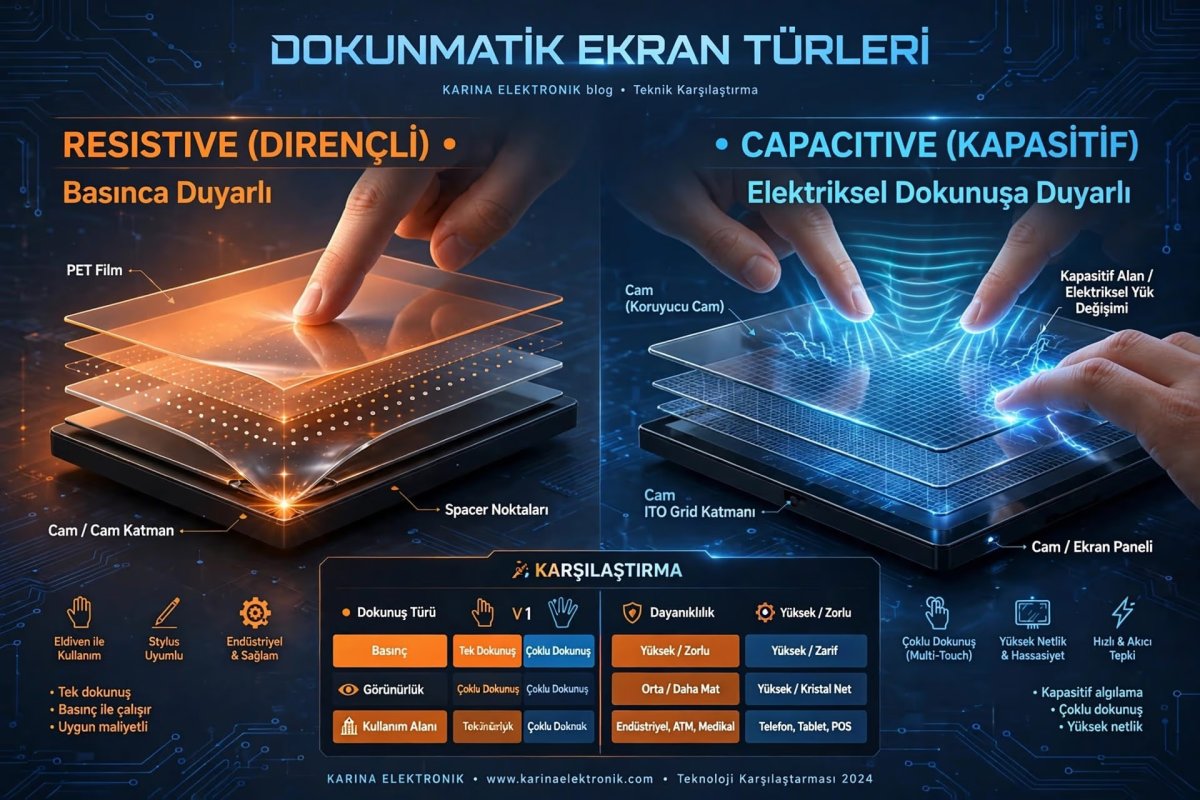
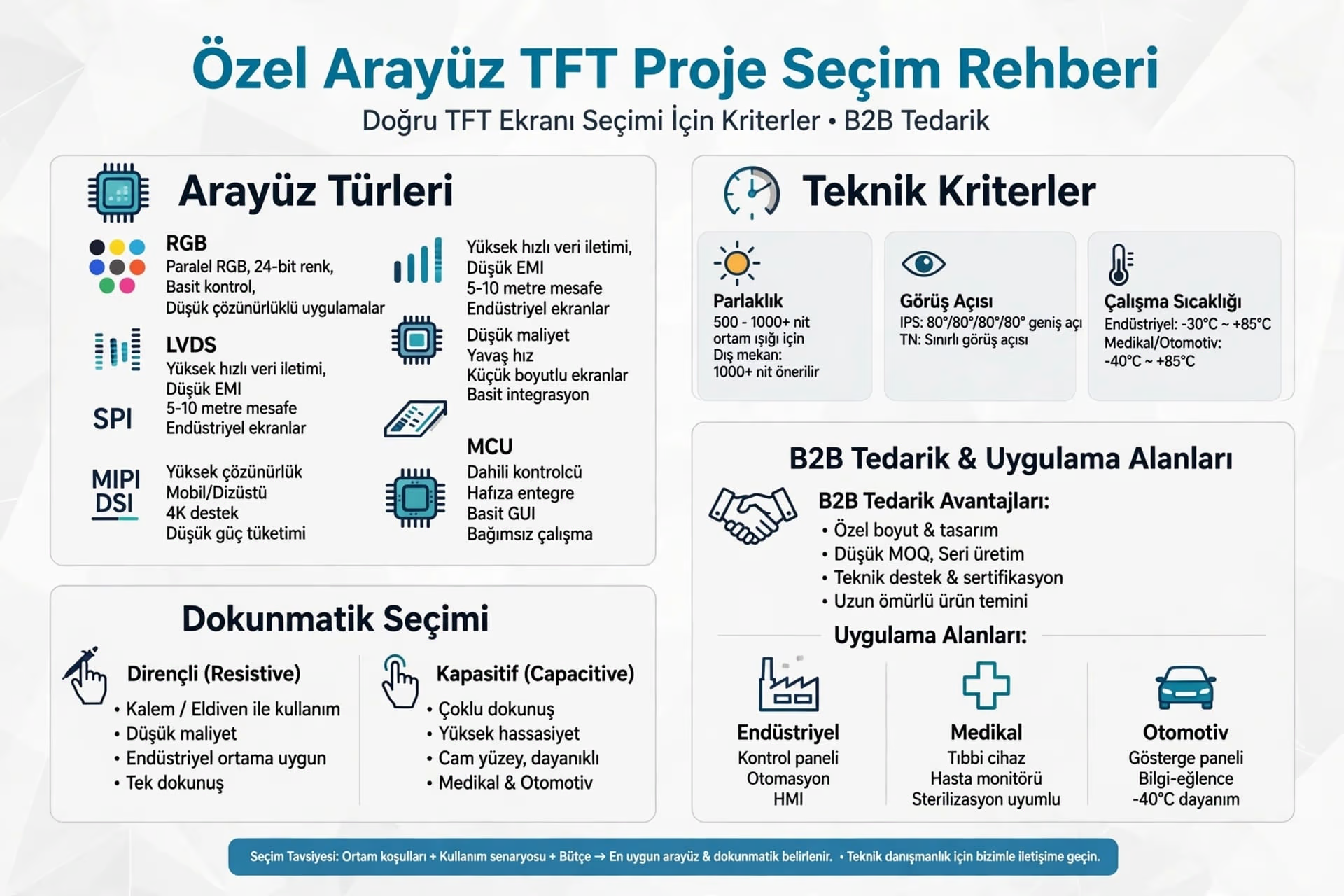
These screens, which facilitate interaction between user and device, are produced with technologies with different working principles.The most commonly used touch screen types are resistive and capacitive screens.What is Touch Screen?Touch screen is a screen technology that allows controlling the device by detecting touches made with finger or stylus.These systems eliminate the need for physical buttons, offering a more modern and user-friendly experience.What is Resistive Touch Screen?Resistive screens work on the principle of two thin layers touching each other with pressure. Upper layer is flexible PET film, lower layer is glass. With touch pressure, electrical contact occurs and controller calculates coordinate of this contact point.Features:Works with pressure - Can work with stylus, glove, nailLower cost - 30-40% cheaperCommon in industrial environments - Resistant to dust, water, oilGenerally no multi-touch support (Single Touch)Image clarity 75-80% (layers refract light)Advantages: Working with gloves, low cost, durability
Disadvantages: Low sensitivity, single touch, low image qualityWhat is Capacitive Touch Screen?Capacitive screens work by detecting electrical conductivity of human body and capacitive change. It is the most commonly used technology in smartphones today. Invisible ITO coating creates electrostatic field on screen, finger disrupts this field.Features:High sensitivity - Detects very light touchMulti-touch support - 5-10 points at same timeClearer image quality - 90%+ light transmissionWorks only with conductive touches - Bare finger or capacitive pen requiredAdvantages: Multi-touch, high clarity, premium feel, fast response
Disadvantages: Does not work with gloves (except special glove), more expensiveDifferences Between Resistive and CapacitiveWorking Principle: Resistive = Pressure / Capacitive = Capacitive changeTouch: Resistive = Single touch / Capacitive = Multi-touchGlove Use: Resistive = Yes / Capacitive = No (special glove)Image Clarity: Resistive = 75-80% / Capacitive = 90%+Cost: Resistive = Lower / Capacitive = HigherSensitivity: Resistive = Low / Capacitive = HighWhere is Which Touch Screen Used?Resistive Usage Areas:
Industrial machines and CNC control panels, POS systems and cash registers, Medical devices (glove use mandatory), Outdoor ATM and kiosks, Factory automation HMI panelsCapacitive Usage Areas:
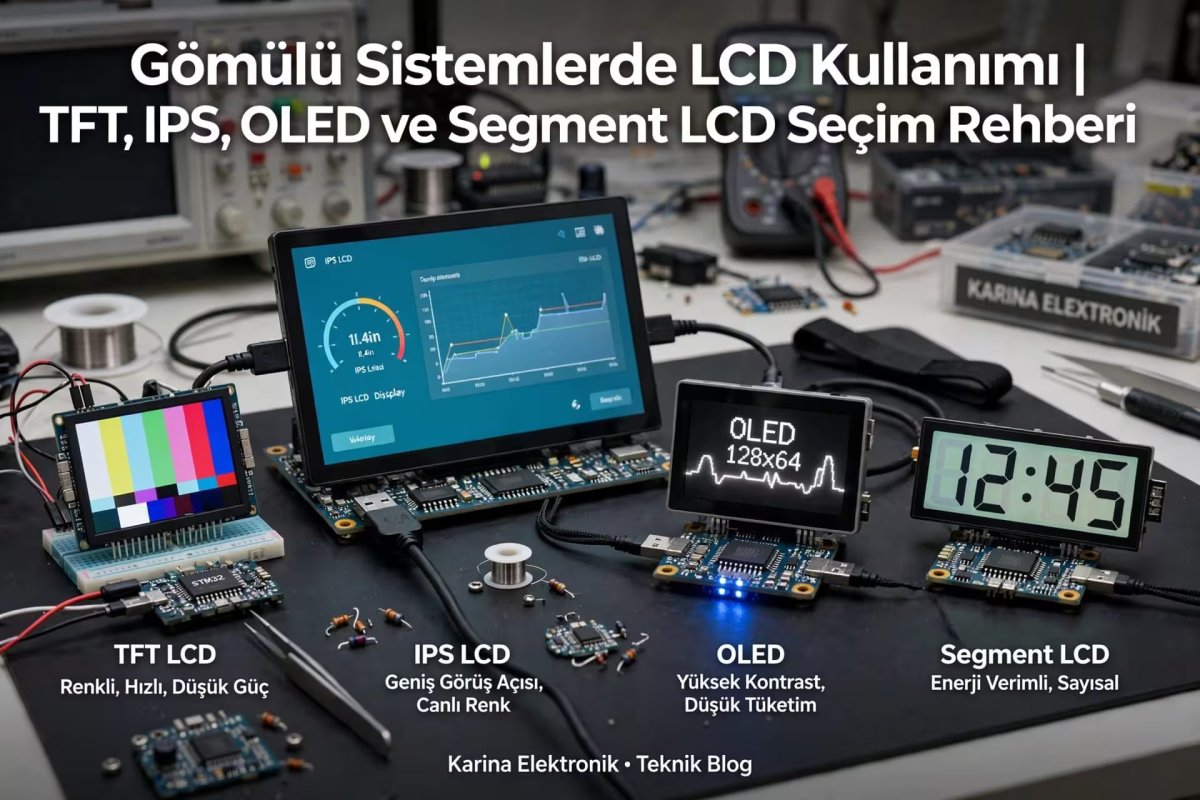
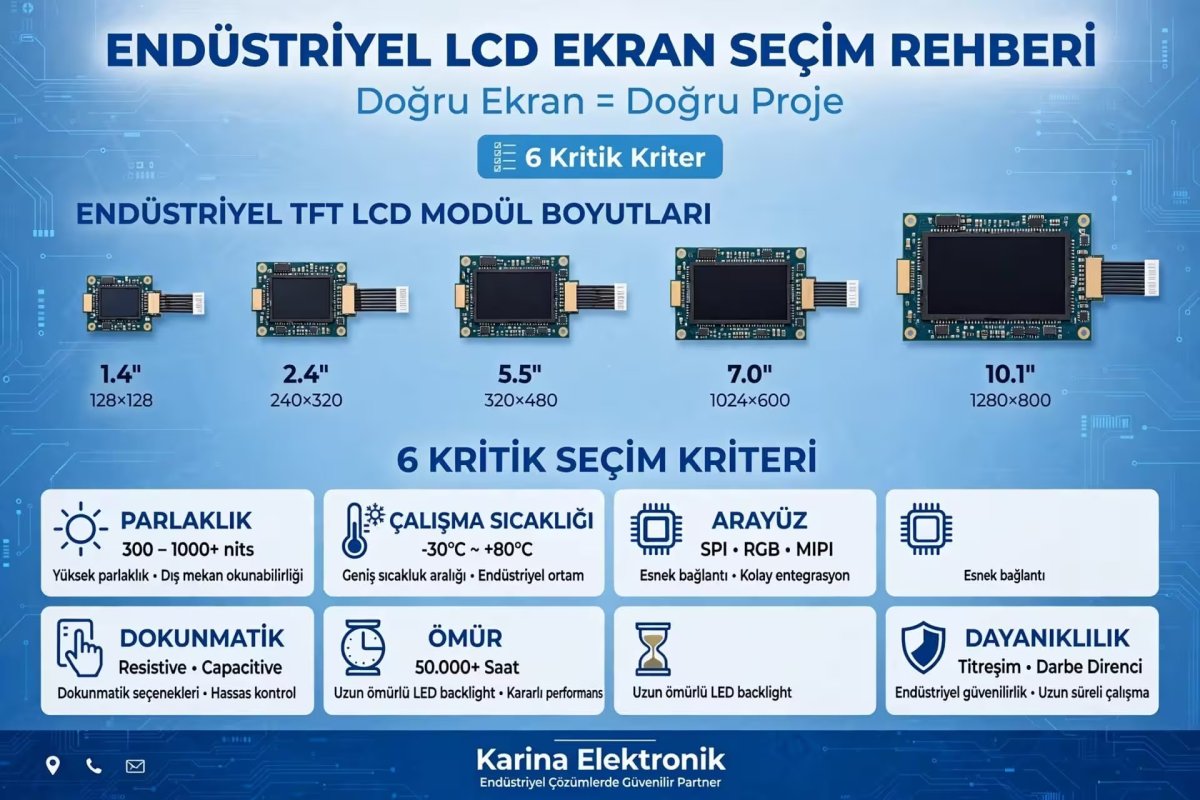
Smartphones and tablets, Modern HMI control panels, Automotive dashboards, Consumer electronics and white goods, Premium industrial designsTFT LCD and Touch Screen IntegrationToday, many TFT LCD screens work integrated (bonded) with capacitive or resistive touch panel.Solutions we offer:Resistive + TFT: 2.4" - 10.1", 4-wire / 5-wire optionsCapacitive + TFT: 2.8" - 15.6", I2C / USB interface, G+G / G+F structureFull integration with Air Bonding / Optical BondingThis way, both image and control combine in a single structure, you get complete solution from single supplier in your projects.Conclusion
Touch screen selection depends entirely on usage area and needs.If: Working with gloves, dusty / oily environment, low cost, durability is priority → Choose Resistive.If: Multi-touch, high sensitivity, premium image, modern user experience required → Choose Capacitive.
If you cannot decide, send your project to us, we will provide free touch screen selection consultancy.
For touch screens: https://www.karinaelektronik.com/